Warframe Android Launch Feb 18 - I've been waiting for this since they announced the closed beta like 6 months ago and it's finally happening next week. Let me walk through everything you need to know about playing Warframe on Android when it launches globally on February 18, 2026.
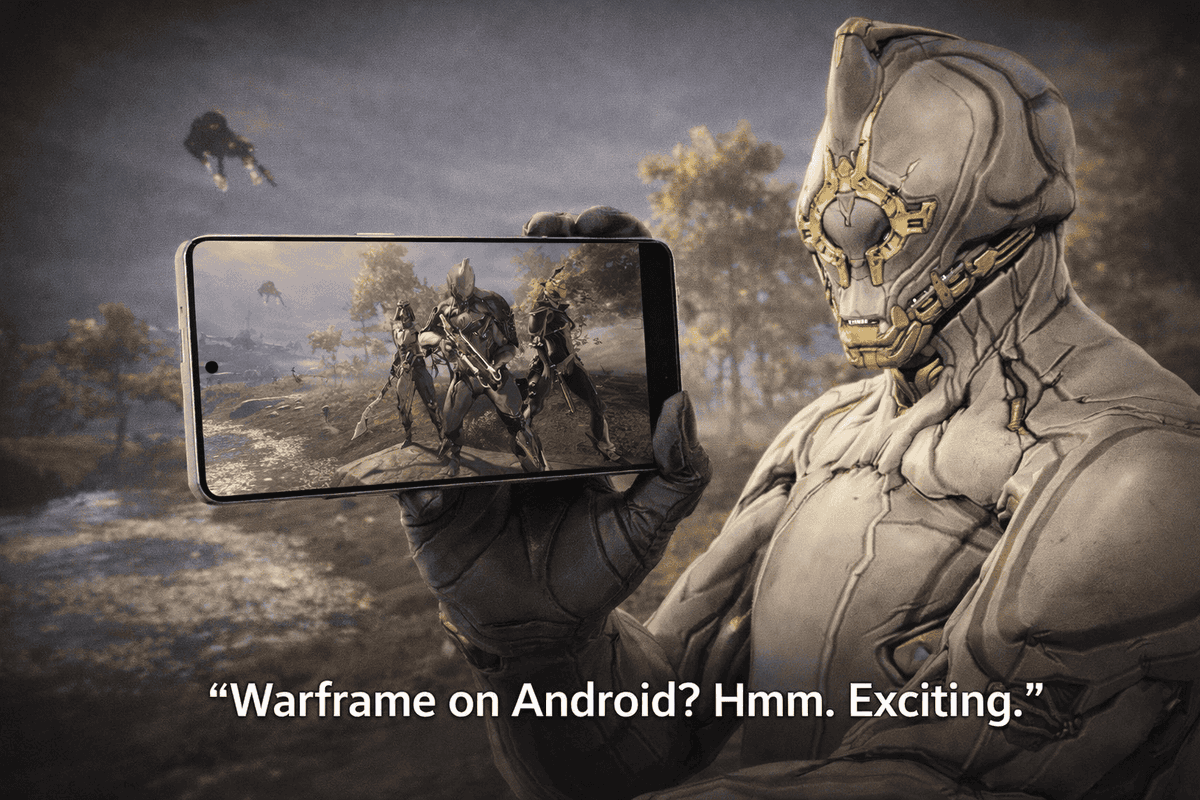
For those who don't know, Warframe is coming to Android devices next Tuesday. This is the full game, not some stripped down mobile version. All the content, all the quests, all the frames. Same game you play on PC or console just on your phone.
I tested the closed beta on my phone back in December and it ran better than I expected. Took me a bit to get used to touch controls but after like an hour it felt pretty natural.
When Does This Actually Launch
February 18, 2026 globally. That's next Tuesday if you're reading this close to launch.
Wait actually there's a Canada early release first. People in Canada get access on February 11. Then the rest of the world gets it on February 18. I have no idea why they're doing the Canada early launch thing but that's the schedule.
If you're outside Canada just mark February 18 on your calendar. That's when you can download it from Google Play Store.
Are you planning to actually play on your phone or are you just downloading it to claim the free stuff? I'm probably going to use it for quick foundry checks and daily login when I'm not home.
What Phone Do You Need To Run This
OK so there's minimum requirements and you need to check if your phone can actually run it.
Your phone needs:
- 64-bit Android on an ARM64 processor
- Android OS 12.0 or higher
- Minimum 4GB of RAM
Let me explain what that actually means. The Android 12 requirement cuts out older phones. If your phone is from like 2020 or earlier it might not work. The 4GB RAM minimum also cuts out budget phones. This is targeting mid-range and flagship devices, not cheap phones.
The game file is probably going to be huge too. I'm guessing 5-8GB download based on how big the iOS version is. Make sure you have space on your phone. Delete some old apps or photos if you need to.
Will Your Phone Actually Run It Well
Just because your phone meets the minimum specs doesn't mean it's going to run great. Let me be honest about this.
4GB RAM is the bare minimum. That's going to run but it's not going to be smooth. You'll probably get frame drops in busy missions with lots of particle effects. Steel Path content might be rough.
If you have 6GB or 8GB RAM you're in better shape. I'd say 6GB is the sweet spot for decent performance without spending flagship money.
Your phone is also going to heat up. Action games always do this on mobile. I did some 20 minute survival runs during the beta and my phone got noticeably warm. Not dangerously hot but warm enough that I noticed.
Battery drain is real too. Playing Warframe tanked my battery about 25% per hour during testing. So if you're planning long farming sessions on mobile make sure you're near a charger or have a battery pack.
Are you worried about your phone overheating or is that just me being paranoid?
Cross Save And Cross Play (This Is Important)
The Android version has full cross save and cross play with every other platform. PC, PlayStation, Xbox, Switch, iOS. All connected.
What this means: you can start a mission on your PC, leave for work, continue the same mission on your phone during lunch, then finish it on console when you get home. Same account, same inventory, same progress. This is crazy how much tech has progressed.
But you need to link your accounts first. Here's how cross save works.
If you already have a Warframe account on PC or console, you need to link it to your mobile login BEFORE you launch the Android version for the first time. If you don't link it first, the game might make you create a new account and then you're stuck starting from zero.
I messed this up during the iOS launch and had to contact support to fix it. Don't be like me. Link your account early.
How To Actually Link Cross Save
Go to the Warframe website while you're on your PC or console. Log into your account. Go to account settings. There's a section for cross save linking. Follow the steps there to connect your Google Play account.
Do this NOW before February 18. Don't wait until launch day when the servers are getting hammered and the website is slow.
New players need not to worry about this as they will be starting new.
Let me explain this differently because it's confusing. Cross save means ONE account works everywhere. You're not making separate accounts per platform. You link everything to one master account and your progress follows you.
I have my account linked to PC, PlayStation, Switch, iOS, and soon Android. All the same inventory, same MR, same platinum. I can play wherever I want and nothing gets left behind.
Free Rewards For Downloading On Launch
If you download Warframe on Android and log in by March 4, you get a lot of free rewards. This works even if you're an existing player. You just need to launch the Android version at least once before March 4.
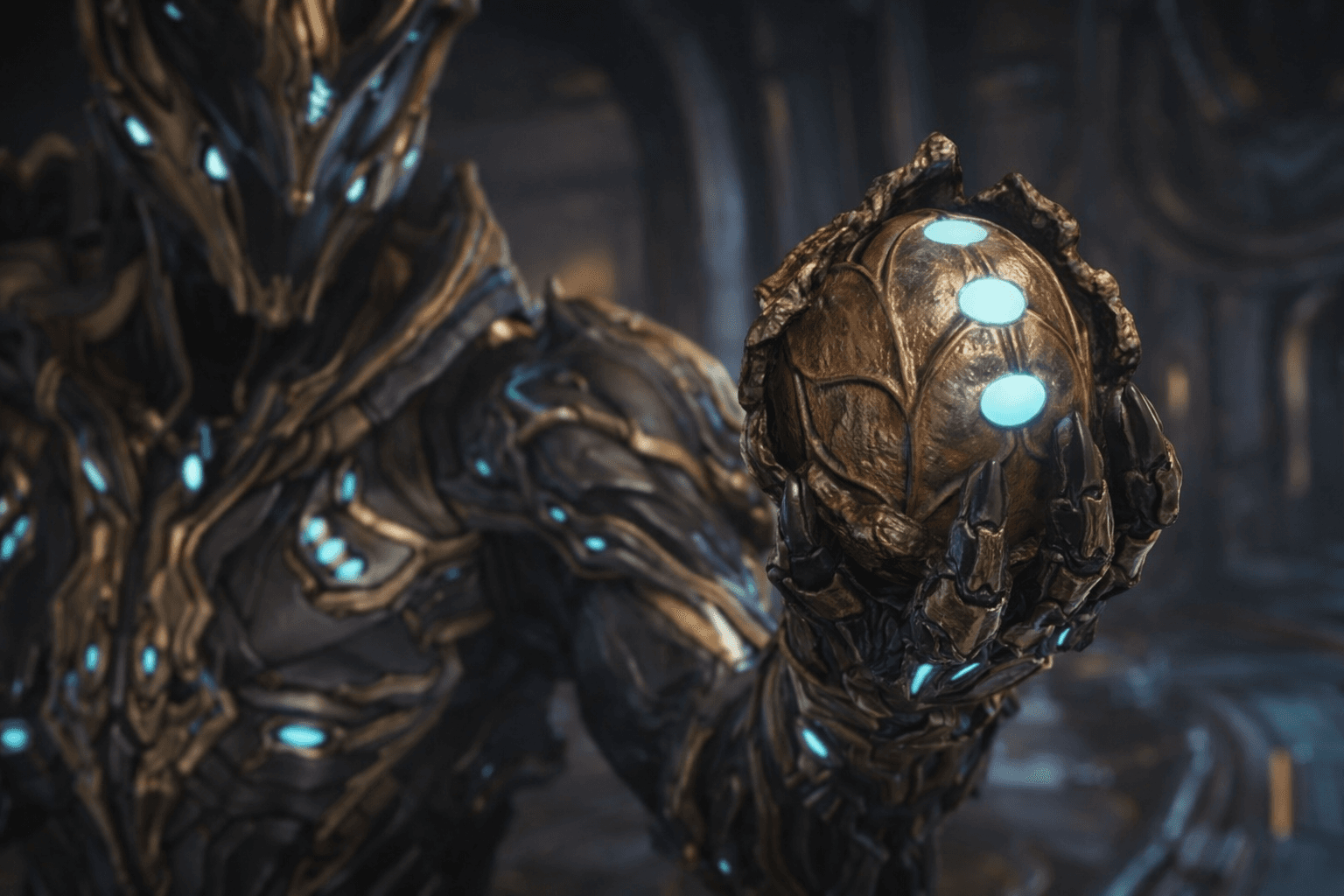
The reward pack is called the Cumulus Collection. It includes:
- Cumulus Chest Plate (armor cosmetic)
- Cumulus Shoulder Plates (armor cosmetic)
- Cumulus Leg Plates (armor cosmetic)
- Spektaka Rifle Skin (weapon cosmetic)
- Spektaka Color Palette (colors for customization)
- 3-Day Resource Booster (doubles resource drops for 3 days)
The cosmetics are Android exclusive. You can't get them any other way. So even if you never plan to actually play on your phone, download it once before March 4 just to claim the free armor and skins.
Recommended Tip: Set a reminder on your phone for February 20 or something. Download Warframe Android, log in once, claim the Cumulus Collection, then you can delete the app if you don't want it taking up space. Just make sure you do it before March 4 deadline.
The resource booster is nice for new players. Doubles all your resource drops for 3 days. If you're just starting out that's going to speed up your early crafting a lot.
Controls And How It Actually Plays
The Android version has touch controls and also supports Bluetooth controllers. You can pick whichever you prefer.
Touch controls are customizable. You can move the buttons around on screen and resize them. I moved my ability buttons closer to the right side during the beta because they felt too far away by default.
If you have a Bluetooth Xbox or PlayStation controller you can pair it to your phone and use that instead. Game recognizes it automatically. I tried this during beta and it felt way better than touch controls for actual combat. Touch is fine for casual missions but if you're doing Steel Path or anything hard I'd use a controller.
Let me be honest the touch controls take some getting used to. Movement is a virtual joystick on the left side. Camera is swipe on the right side. Abilities are buttons on the right. Shooting is auto-aim by default but you can turn that off and use manual aim.
I kept bullet jumping off cliffs during my first few missions because the parkour controls on touch are weird. After like an hour of practice I got the hang of it though.
What Content Is Available On Android
Everything. Full game. All the quests, all the frames, all the weapons, all the open worlds.
The Second Dream, The War Within, The New War, all the cinematic quests are there. You can do the full star chart, farm Prime parts, run Archon Hunts, whatever you want.
Best part is trading, now you can trade 24x7.
Should You Actually Play On Android Or Just Claim Rewards
Depends what you want out of it.
If you travel a lot or have downtime during the day, playing on Android is genuinely useful. I can do my daily login, check my foundry, run a quick fissure during lunch break. That's convenient.
If you're trying to do serious endgame content, PC or console is still better. Bigger screen, better controls, better performance. I'm not doing Steel Path Circuit runs on my phone.
I'm planning to use Android for:
- Daily login when I'm away from home
- Checking foundry and starting new builds
- Quick relic runs or easy farming when I have 15 minutes to kill
- Managing inventory and mods while watching TV
Don't be someone who uses the phone for:
- Steel Path content
- Eidolon hunts or other precision content
- Long endurance runs (battery drain)
- Anything that requires fast reactions
If you're trying Android on Pubs, remember the game is cross-play that means players from all types of devices will be able to play with you. Make sure to be a responsible tenno and not ruin the fun for the others.
Note: To enable crossplay: players will have to have Cross Platform Play enabled for their account (System Options / Cross Platform Play).
Honestly it all depends on your phone and your tolerance for touch controls. Try it out on February 18 and see how it feels.
Quick Checklist Before Feb 18 Launch
Here's what to do before Tuesday:
- Check your phone specs. Make sure you have Android 12 or higher and 4GB RAM minimum.
- Free up 8-10GB of storage space on your phone for the download. Delete old apps or photos if you need to.
- Link your existing Warframe account for cross save if you have one. Do this NOW not on launch day.
- Pre-register on Google Play Store to get notified when the game goes live.
- Set a reminder to download and log in before March 4 to claim the Cumulus Collection rewards.
- Charge your phone fully before you start playing. This game drains battery fast.
- Consider getting a Bluetooth controller if you want better controls than touch.
That's all for today!